 Save
If your firm’s deadlines live in a spreadsheet and one person’s memory, you already know the cost: a missed filing, a client chased three times, a Friday spent working out who has what. Accounting practice management software puts all of that in one place. This guide shows what to look for at your firm size, how the pricing works, and how to switch without wrecking tax season.
It’s written for small firms of 1 to 25 people: bookkeepers, tax preparers and accountants who have outgrown email and spreadsheets. It names the main platforms, then gives you the questions and a scorecard to choose between them.
Free download
Comparison sheet, with prices checked 3 Nov 2026. TaxDome, Canopy, Karbon, Financial Cents, Pixie and the rest. If a vendor did not show a number, the cell says see vendor pricing. Excel workbook · CSV.
Three invented firms are already calculated. Type your own staff and client counts on the "Your firm" sheet.
What accounting practice management software does
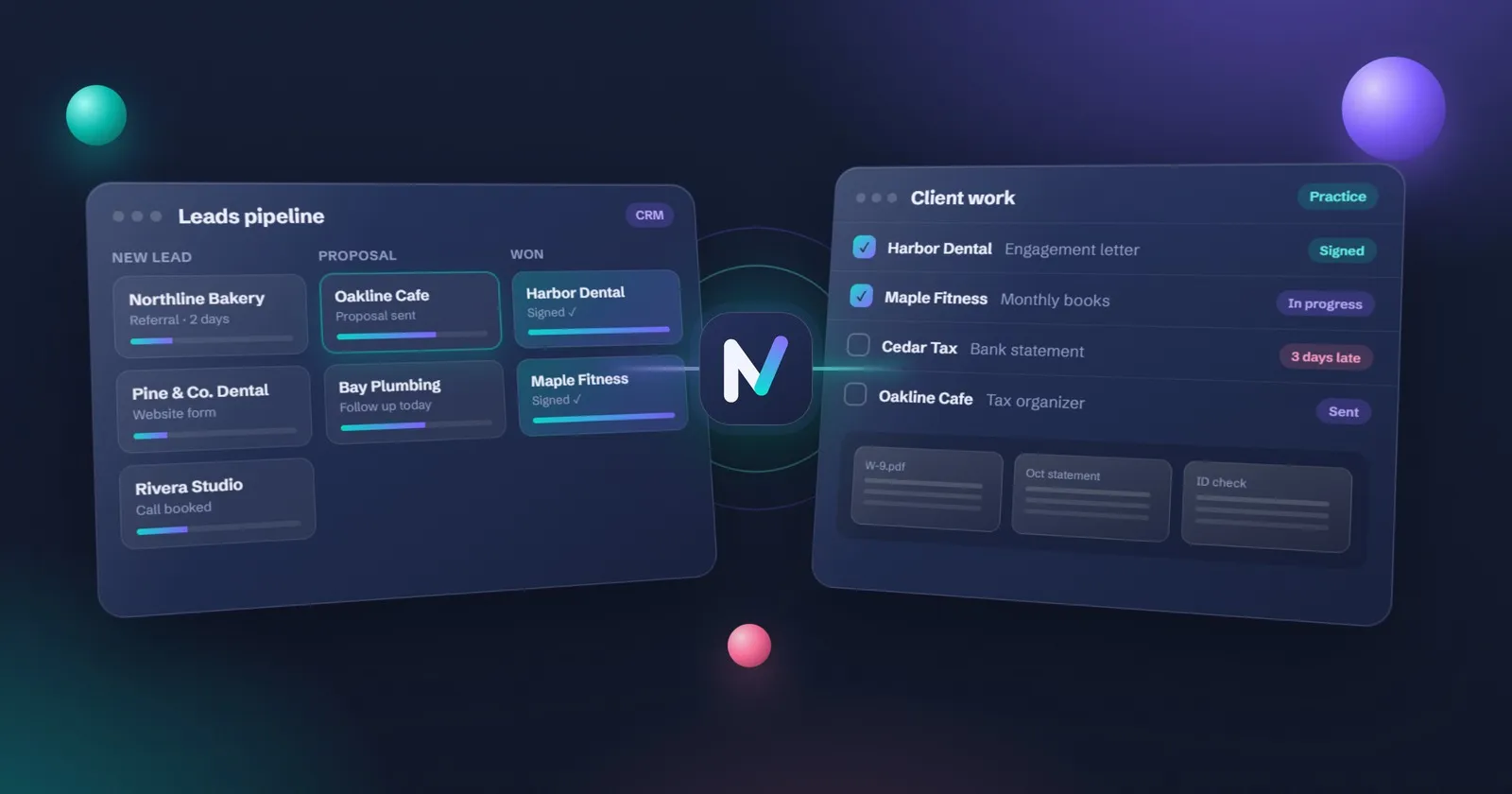
Accounting practice management software is one system where a firm tracks client jobs, deadlines, documents, time and billing. It replaces spreadsheets and email threads, shows who is doing what, and reminds clients about missing information so recurring work like monthly bookkeeping and tax returns stays on schedule.
In day-to-day terms, it takes over six jobs:
- Recurring work. Monthly bookkeeping, quarterly sales tax and annual returns are created automatically, with the right steps every time.
- Deadlines. Every job has a due date and an owner, and late work shows up before it’s late.
- Client requests. Clients get a list of what to send and an upload link, with reminders until it arrives.
- Time and billing. Time is recorded against jobs, and invoices are created from fixed fees or hours.
- Engagement letters and signatures. Proposals and letters go out for e-signature and are filed against the client.
- The team view. One screen shows who is overloaded, what is waiting on clients and what is ready for review.
The point isn’t the software. It’s that the firm’s process lives in a system instead of in someone’s head.
Signs your firm has outgrown spreadsheets
A spreadsheet works well for a while. These are the signs it has stopped working:
- A deadline was missed or nearly missed in the last six months.
- You chase documents by email, and you’re never sure which reminder went to whom.
- Nobody but one person knows the status of a client’s work.
- Work stops when that person is ill or on holiday.
- You bill from memory, or forget to bill some jobs.
- New staff take weeks to learn “how we do things here”.
- You keep three or more lists for the same clients.
If you ticked three or more, it’s time to look at a system. If the main pain is chasing paperwork, start by fixing that routine first: our guide on how to stop chasing clients for documents works with or without new software.
Not ready for a full system? A clear tracker solves most of these problems for a small firm. The free client onboarding and document tracker runs onboarding and monthly document requests in one Google Sheet.
Features that matter at each firm size
Not every feature is worth paying for. Here’s what a small firm actually needs, by team size.
| Feature | Solo | 2 to 10 people | 10 to 25 people |
|---|---|---|---|
| Recurring jobs with checklists | Must have | Must have | Must have |
| Deadline tracking and due-date alerts | Must have | Must have | Must have |
| Document requests with automatic reminders | Must have | Must have | Must have |
| Client portal for secure file upload | Nice to have | Must have | Must have |
| E-signature for engagement letters | Nice to have | Must have | Must have |
| Billing and online payments | Nice to have | Must have | Must have |
| Time tracking | Skip | Nice to have | Must have |
| Capacity and workload view | Skip | Nice to have | Must have |
| Email integration (emails filed against clients) | Nice to have | Must have | Must have |
| CRM and sales pipeline | Skip | Nice to have | Nice to have |
| Reporting (work in progress, profitability) | Skip | Nice to have | Must have |
| Built-in AI (drafting, summaries) | Nice to have | Nice to have | Nice to have |
Two things stand out. First, the “must haves” for every size are the same three: recurring jobs, deadlines and document requests. Judge any system on those first. Second, built-in AI is still a “nice to have”. A separate AI assistant can add the same drafting and reminder help on top of almost any tool, as explained below.
Tax practice management software: what tax-heavy firms need
Tax practice management software is practice management with tax-season tools added: tax organizers, document request lists, return status tracking, e-signatures with identity checks for Form 8879, and links to your tax software. It tracks every return from intake to filing, so you can see what’s stuck.
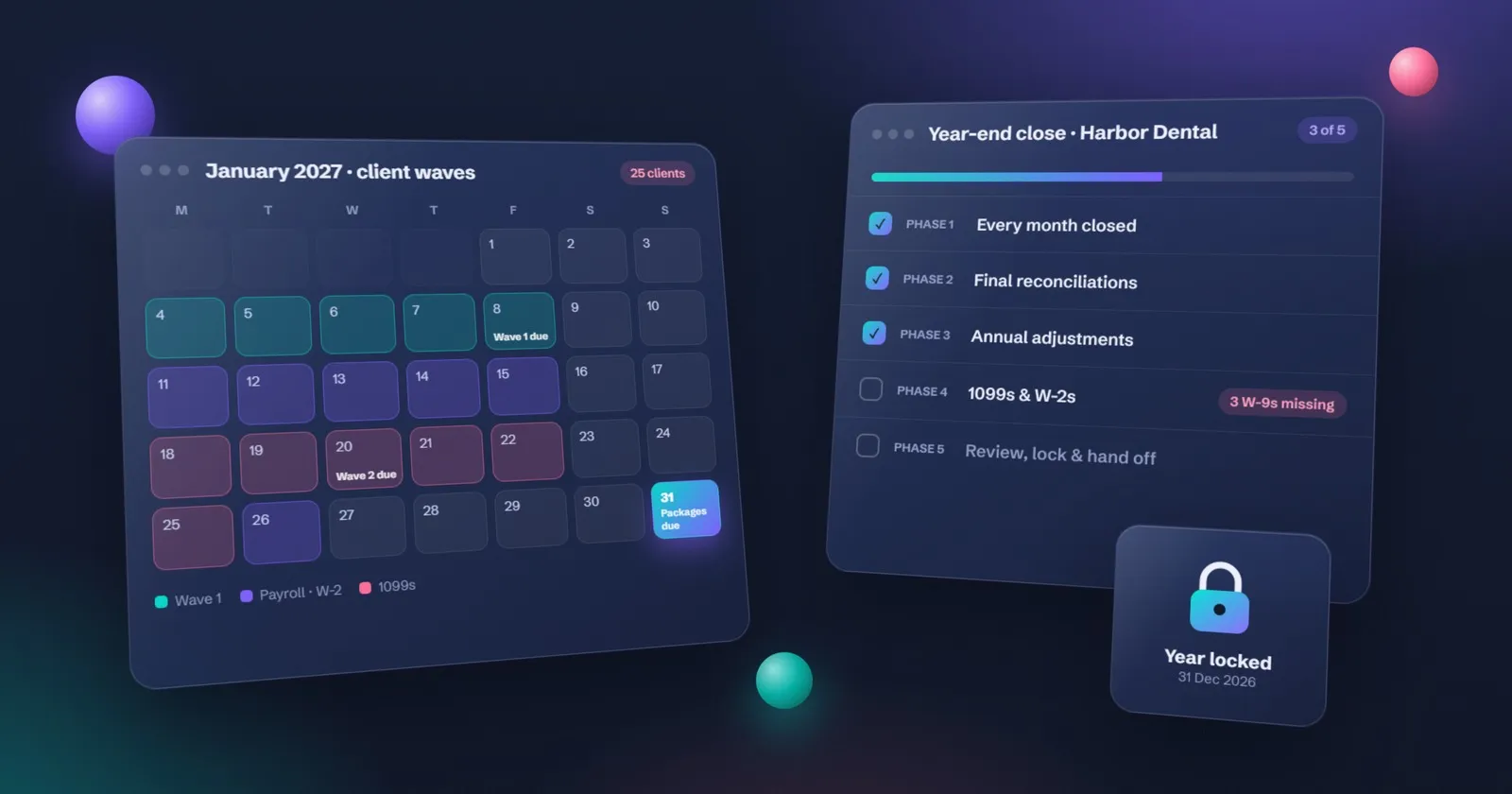
A bookkeeping firm can live on recurring jobs and a document request. A firm whose January is 400 individual returns needs six more checks before the demo matters.
- Organizers. A questionnaire per return type, not a blank email that says “send your stuff”.
- Request lists. Each missing slip has a status and a reminder. The list for a new client is the same idea as the onboarding checklist, repeated for every return.
- Return status by stage. Prep, review, waiting on the client, ready to file, filed. One screen, or you are back to asking around the office.
- E-signatures with an identity check. Remote signatures on Form 8879 follow IRS Publication 1345. A plain e-sign with no identity step is the wrong tool for that form.
- A link to the tax software you already use. Drake, CCH, Lacerte, ProSeries, or whatever is on the machines. Re-keying a name into a second system is how a return gets lost.
- IRS transcripts, if you do notice work. Useful, and not free on every platform. Canopy prices a Tax Resolution add-on. TaxDome includes transcript access on its current plan. Confirm either on the vendor’s page the week you buy.
The firms in this table do not all do all six. If you are comparing TaxDome with the others because a renewal is coming, the prices and the worked examples are on TaxDome alternatives. If the only gap is the first weeks with a new client, the shorter list is client onboarding software.
How pricing works (per user, flat fee, per client)
Most systems use one of three pricing models. The numbers below are made up and rounded to show how each model works. They are not any supplier’s real prices.
The example firm has 5 people and 150 clients.
| Pricing model | How it’s charged | Illustrative monthly cost | Who it suits |
|---|---|---|---|
| Per user | A fee for each team member who logs in | 5 users × $40 = $200 | Firms with many clients per person |
| Flat fee | One price for the firm, often in tiers by size | $250 for the “up to 10 users” tier | Growing firms that expect to hire |
| Per client | A fee for each active client | 150 clients × $1.50 = $225 | Firms with few, large clients |
The headline price is rarely the full cost. Ask about these before you sign:
- Annual contracts. Many plans are cheaper per month if you pay a year upfront, but you’re locked in.
- Onboarding or setup fees. Some charge a one-off fee for setup and training.
- Add-ons. The client portal, e-signature, payments or extra storage are sometimes extra.
- Payment processing. Taking card payments usually adds a percentage per transaction.
- Price rises at renewal. Ask what happened to prices last year.
A useful rule: compare the cost per month against the hours it saves. If a system costs $250 a month and saves the team 15 hours, it pays for itself at almost any billing rate.
Two vendors now publish real client-count prices, which the made-up table above does not use. TaxDome starts at $1,500 a year for up to 150 active clients, with 20 seats included. Pixie charges one monthly fee for the whole firm, by how many clients you have, and does not charge per user. Both are in the comparison sheet.
Practice management software to compare
Checked on each vendor’s own site. TaxDome’s pricing model was rechecked in November 2026. Prices change, so the table shows how each one charges. Dollar amounts, and the firms they were tried on, are in the comparison sheet.
| Platform | Known for | How it charges | Where it fits |
|---|---|---|---|
| Karbon | Workflow and team email in one place | Per user, monthly or annual | Growing firms; priced in USD, GBP, CAD, AUD and more |
| TaxDome | All-in-one with a built-in client portal | Per active client, billed yearly (from 150 clients, 20 seats included) | Tax-heavy firms. Renewal maths are in TaxDome alternatives. |
| Canopy | Practice management with a client portal and add-ons | Per user, annual | US tax and accounting firms |
| Financial Cents | Simple workflow and recurring work, with a solo plan | Per user | Small US and Canadian firms |
| Jetpack Workflow | Recurring jobs and deadlines | Per seat | Firms that mainly need a work tracker |
| Xero Practice Manager (now part of Xero Partner Hub) | Jobs, time and billing for Xero firms | Included for Xero partners at Silver and above | Firms already on Xero |
| Senta by IRIS | Practice management and CRM; clients are free | Per user | UK-led firms |
| Pixie | Unlimited users, priced by number of clients | Flat fee by client count | Small UK firms with larger teams |
| Ignition | Proposals, engagement letters and payments | Tiered plans | Pairs with any of the above |
Use the scorecard below on your top two or three, with your real client numbers.
Questions to ask before you sign up
The demo will show you the best features. These questions show you the rest.
Your data
- Where is client data stored, and in which country?
- Can I export everything (clients, jobs, documents, time) in a standard format if I leave?
- What happens to my data if I cancel?
Security
- Is multi-factor authentication available for staff and required for clients?
- Is data encrypted when it’s stored and when it’s sent?
- Can I limit what each staff member can see?
- Is there a log of who opened or changed what?
These questions matter because firms are responsible for client data in law. In the US, tax preparers should follow IRS Publication 4557, Safeguarding Taxpayer Data, keep a written security plan as described in Publication 5708, and meet the FTC Safeguards Rule (16 CFR Part 314). In the UK, the ICO’s UK GDPR guidance applies, and accountancy firms also have anti-money-laundering supervision rules.
Fit with your other tools
- Does it connect to the accounting and tax software we already use?
- Does it work with our email and calendar?
- Can clients use the portal easily on a phone?
Switching and support
- Will you help move our clients and jobs across, and is that included?
- How long is the contract, and what’s the notice period?
- When is support available in our time zone, and is it by chat, email or phone?
Alternatives if you are not ready for a full system
A full platform isn’t the only answer. Each option below fits a different stage.
| Option | Who it suits | What it can’t do | Effort to set up |
|---|---|---|---|
| Spreadsheet tracker with a clear status column | Solo and very small firms | No client portal, reminders are manual unless scripted | Low: an afternoon |
| General task or project board | Small teams that need to see who has what | No document requests, billing or deadlines by tax type | Low to medium |
| CRM with a client pipeline | Firms focused on winning and onboarding clients | Weak at recurring jobs and billing | Medium |
| Secure client portal or file-request tool on its own | Firms whose main pain is collecting documents | No job tracking or team view | Low |
| AI assistant on top of your existing tools | Firms that want reminders and routines without switching | Needs clear rules and human review | Medium |
| Full practice management platform | Firms of 3 or more people with recurring work | Costs more and takes weeks to set up | Medium to high |
The spreadsheet route is underrated for small firms. Our free client onboarding and document tracker is built on exactly this idea, and the new client onboarding checklist shows the steps it tracks. If the gap is only the first weeks with a new client, the client onboarding software guide is the shorter list.
The AI assistant route is newer. An assistant can run your morning reminders, chase missing documents and draft client emails across the tools you already have. Grok Bot is the one NeatlyReady uses: see how an AI assistant runs a firm’s daily work, or set up Grok Bot for a small business to try it.
How to switch without losing a tax season
Most failed switches come down to timing. A good system started in the wrong month causes more trouble than the old spreadsheet.
- Pick in the quiet months. For US and UK firms that usually means May to October. For Australian firms, avoid July to October.
- Don’t migrate during peak season. Avoid January to April in the US and UK, and July to October in Australia.
- Pilot with 10 clients. Choose a mix of monthly and annual clients and run them in the new system for a month.
- Move recurring jobs first. Set up your job templates and deadlines, then bring the rest of the clients across.
- Then documents. Turn on the client portal and document requests once jobs are running.
- Then billing. Move invoicing last, at the start of a new month, so no invoice is lost between systems.
- Keep the old system read-only for a year. You’ll need to look things up, and you don’t want to recreate history.
Tell clients early. A short email explaining the new portal, sent a week before their first request, prevents most support questions. Our client portal for accountants guide covers the security checklist and a four-week rollout, and the engagement letter template covers what to send for signature.
Score your shortlist
Demos are persuasive, so score each option the same way. Copy this table into a spreadsheet:
- Weight each feature from 1 to 3 by how much it matters to your firm (3 = essential).
- Score each option from 0 to 3 on that feature (0 = missing, 3 = excellent).
- Multiply weight by score for each row, then add up each column.
| Feature | Weight (1-3) | Option A score (0-3) | Option B score (0-3) | Option C score (0-3) |
|---|---|---|---|---|
| Recurring jobs and checklists | ||||
| Deadline tracking | ||||
| Document requests and reminders | ||||
| Client portal (works on phones) | ||||
| E-signature and engagement letters | ||||
| Billing and payments | ||||
| Time tracking | ||||
| Workload view | ||||
| Works with our accounting and tax software | ||||
| Security (MFA, encryption, access roles) | ||||
| Data export if we leave | ||||
| Total cost per month (including add-ons) | ||||
| Weighted total |
The highest total isn’t automatically the winner. If two options are close, pick the one your team found easiest to use in the trial, because the best system is the one people actually keep up to date.
Before you switch, make sure the basics are in place: the free document request checklist gives you the lists every system needs, and the tax season checklist shows which months are safe for a change.
Choosing accounting practice management software is less about features and more about fit. Start with your three must haves (recurring jobs, deadlines and document requests), score every option the same way, and switch in your quiet months.
The comparison workbook is the one linked at the top. Take the “Your firm” sheet into the sales call, with your real client count already typed in.
Questions
What is practice management software in accounting?
It is one system where an accounting, bookkeeping or tax firm tracks client jobs, deadlines, documents, time and billing. It replaces spreadsheets and email threads, so everyone can see who is doing what and which client still owes information.
What does practice management software do?
It creates recurring jobs such as monthly bookkeeping and annual returns, tracks deadlines, requests documents from clients and reminds them, stores files in a client portal, handles e-signatures and engagement letters, records time, and sends invoices. Most also show the team’s workload so you can plan capacity.
Is there free practice management software for accountants?
Some systems offer a free tier or a free trial, but free plans usually limit the number of users, clients or features such as the client portal. For a solo bookkeeper, a well-built spreadsheet tracker plus a secure file-request tool can do the job for free or very little until the client list grows.
What is the difference between a practice management system and a CRM?
A CRM is built to win clients: leads, pipelines, follow-ups and marketing. A practice management system is built to deliver the work: recurring jobs, deadlines, documents and billing for existing clients. Some firms use both, with the CRM handing new clients over once the engagement letter is signed.
Do I need practice management software as a solo accountant or bookkeeper?
Not always. If you have fewer than about 30 clients and your deadlines fit on one screen, a spreadsheet tracker with a clear status column is often enough. Move to a full system when you start missing reminders, hire your first person, or spend more than a few hours a week chasing documents.
Is practice management software for accountants in the UK different?
The core jobs are the same. UK firms should also check for Making Tax Digital deadline tracking, anti-money-laundering client checks and record keeping, and UK or EU data storage to fit UK GDPR. Ask any supplier how they handle these before you sign.
How long does it take to move a firm onto practice management software?
A small firm can usually set up the basics in two to six weeks: a pilot with a handful of clients, then recurring jobs, then documents, then billing. Plan the move for your quiet months and keep the old system read-only for a year.
What is tax practice management software?
It is practice management with tax-season tools added: organizers, document request lists, return status by stage, e-signatures with identity checks for Form 8879, links to your tax software, and, on some platforms, IRS transcripts. It tracks a return from intake to filing so you can see what is stuck.
Is there free tax practice management software?
Not among the platforms checked in November 2026. Financial Cents and Uku publish a 14-day trial, Pixie 30 days, Taxaroo 7 days. A spreadsheet tracker is the route that stays cheap for a solo firm until the reminders start getting missed. The comparison sheet on this page marks any price we could not read as see vendor pricing.
This guide covers running the practice, not tax law. Rules differ by country and change often, so check anything technical with your local tax authority or professional body.